Codex Skills.
Install-ready skills for Codex. One pasted line puts the skill in ~/.agents/skills/ — Codex uses it when your request matches.
How to install skills in Codex
- Pick a skill below and open its page.
- Copy the one-line installer (pick Codex if asked).
- Paste it to Codex — it downloads the skill into
~/.agents/skills/and confirms.
Prefer manual? Download the ZIP, unzip into ~/.agents/skills/, restart Codex.
Best Codex skills.
All 12 originals — free, plain-English playbooks, each mapped to one concrete deliverable.
 Decks
Decks
Pitch Deck
10 slides that tell one story — investors stay till the last page
 Decks
Decks
Work Report
Weekly, monthly, reviews — conclusion first, understood in 3 minutes
 Web
Web
Landing Page
One file is a whole product site — gorgeous on phones too
 Web
Web
Chart Kit
Change one row of data — the chart draws itself
 Web
Web
Resume
One page, inverted-pyramid writing — recruiters see the point in 10s
 Images
Social Cover
Post covers with 3 composition recipes — ready to use
 Images
Infographic
Turn a paragraph into one image — never fabricate data
 Images
Product Poster
E-commerce posters: selling points, price anchors, CTA in one go
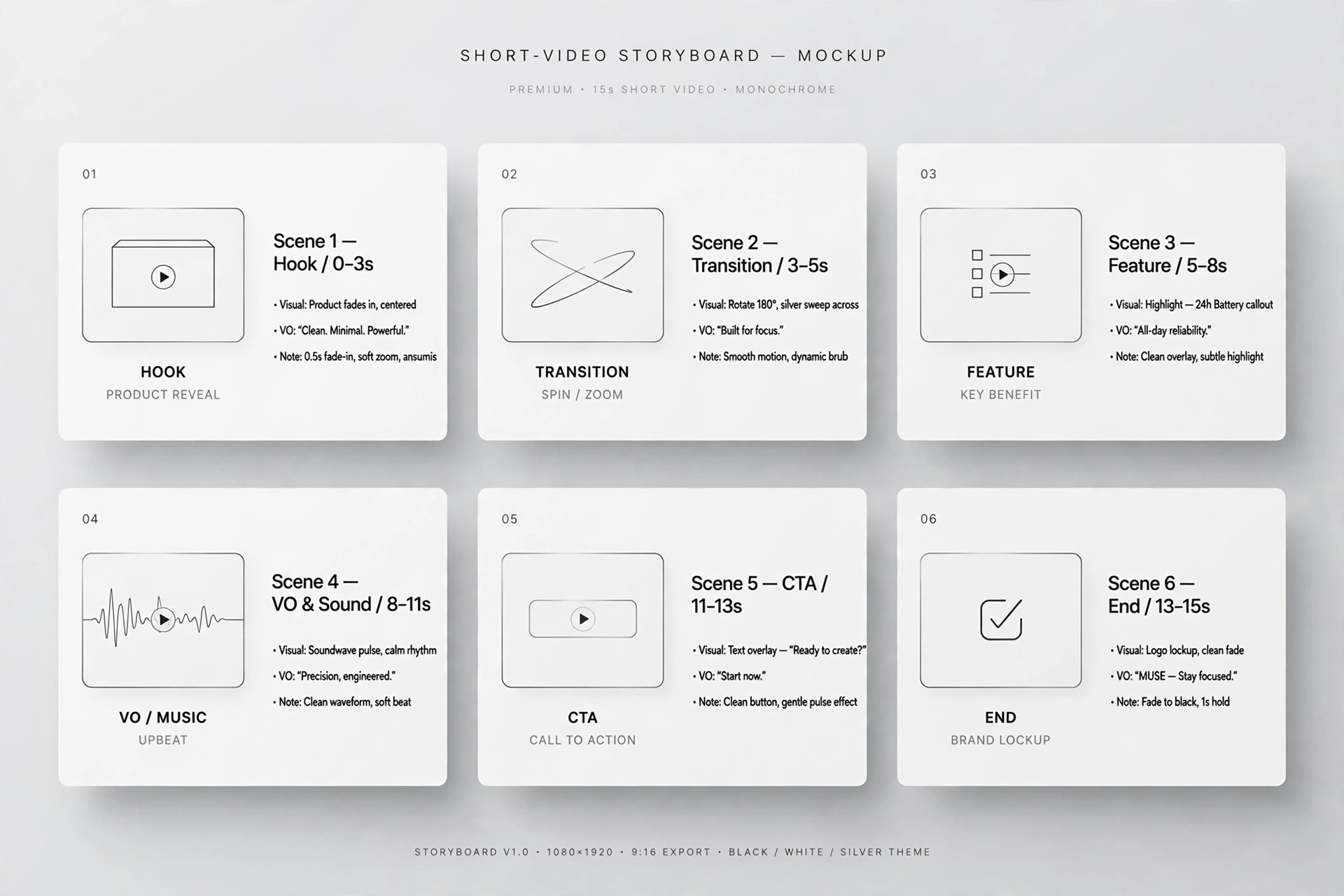 Video
Video
Short-Video Script
60-second videos: hook in 3 seconds, CTA at the end
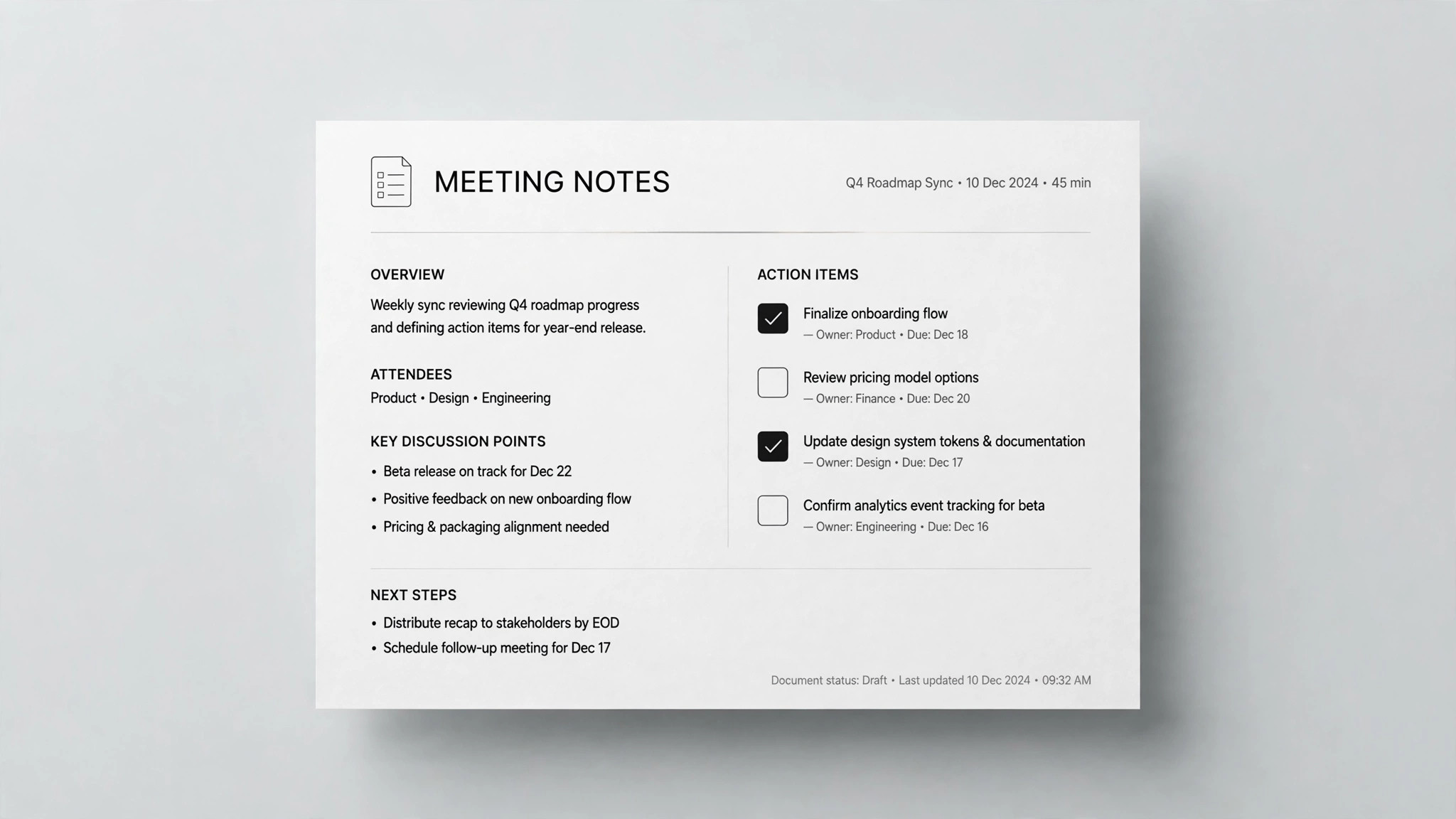 Docs
Docs
Meeting Notes
Drop in the chat log — every task gets an owner and a deadline
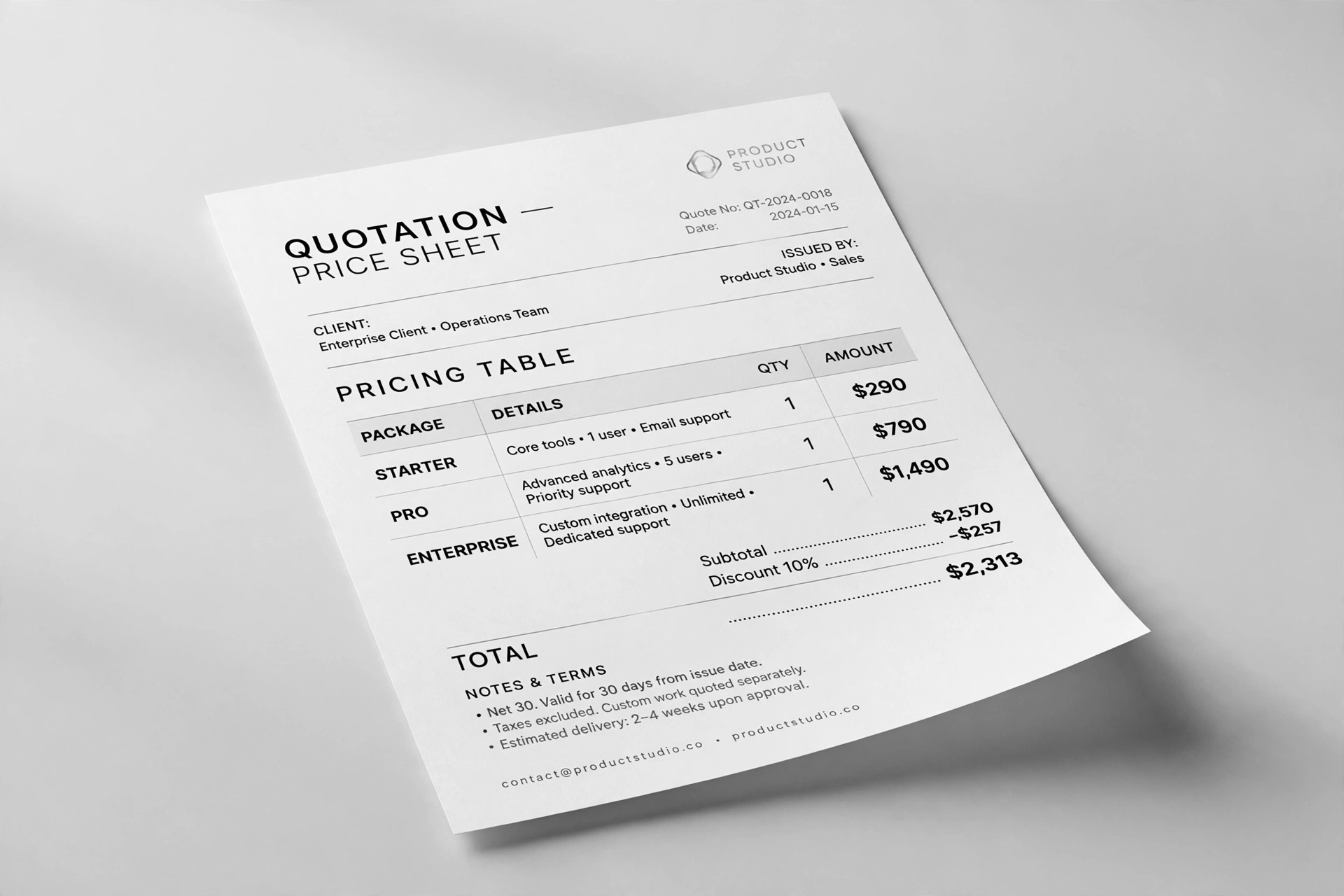 Docs
Docs
Quote Sheet
Freelancers: quote without losing money — line items, totals, terms
 Docs
Docs
Newsletter
A personal weekly people actually open
What are Codex skills?
A skill is a written playbook (a SKILL.md file) that lives in Codex's skills directory. It tells Codex how to do one job beautifully — a pitch deck, a landing page, a resume. When your request matches, Codex reads the playbook and follows it, instead of improvising from scratch.
Codex skills FAQ.
Where do skills install for Codex?
Will Codex use the skill on its own?
Do I need to restart Codex after installing?
Are these skills free?
Skills for every agent you use.
Same 12 skills, packaged for each agent's directory layout.