Tax Filer
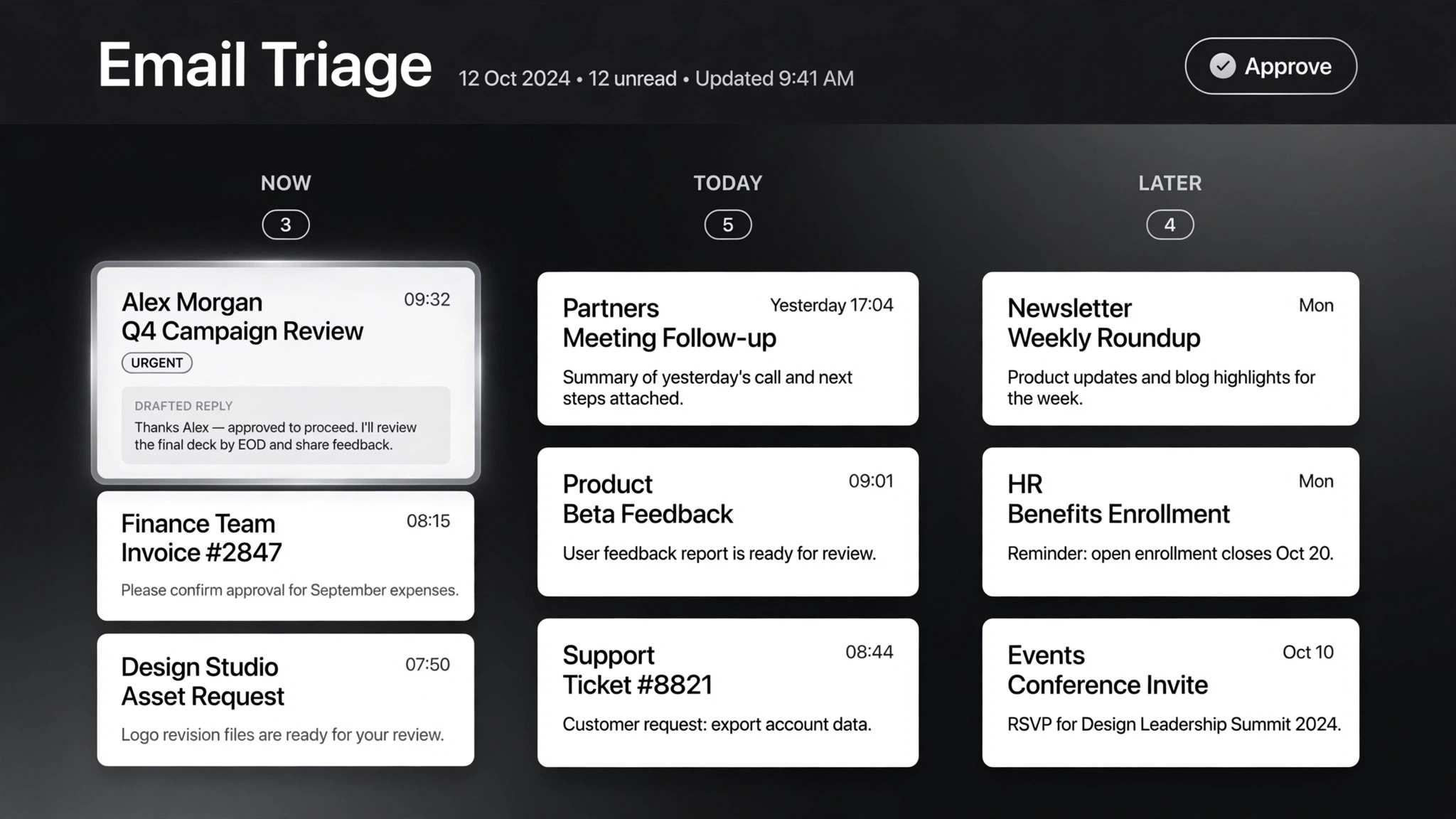
Tax docs in, a review-ready draft return out — you file it.
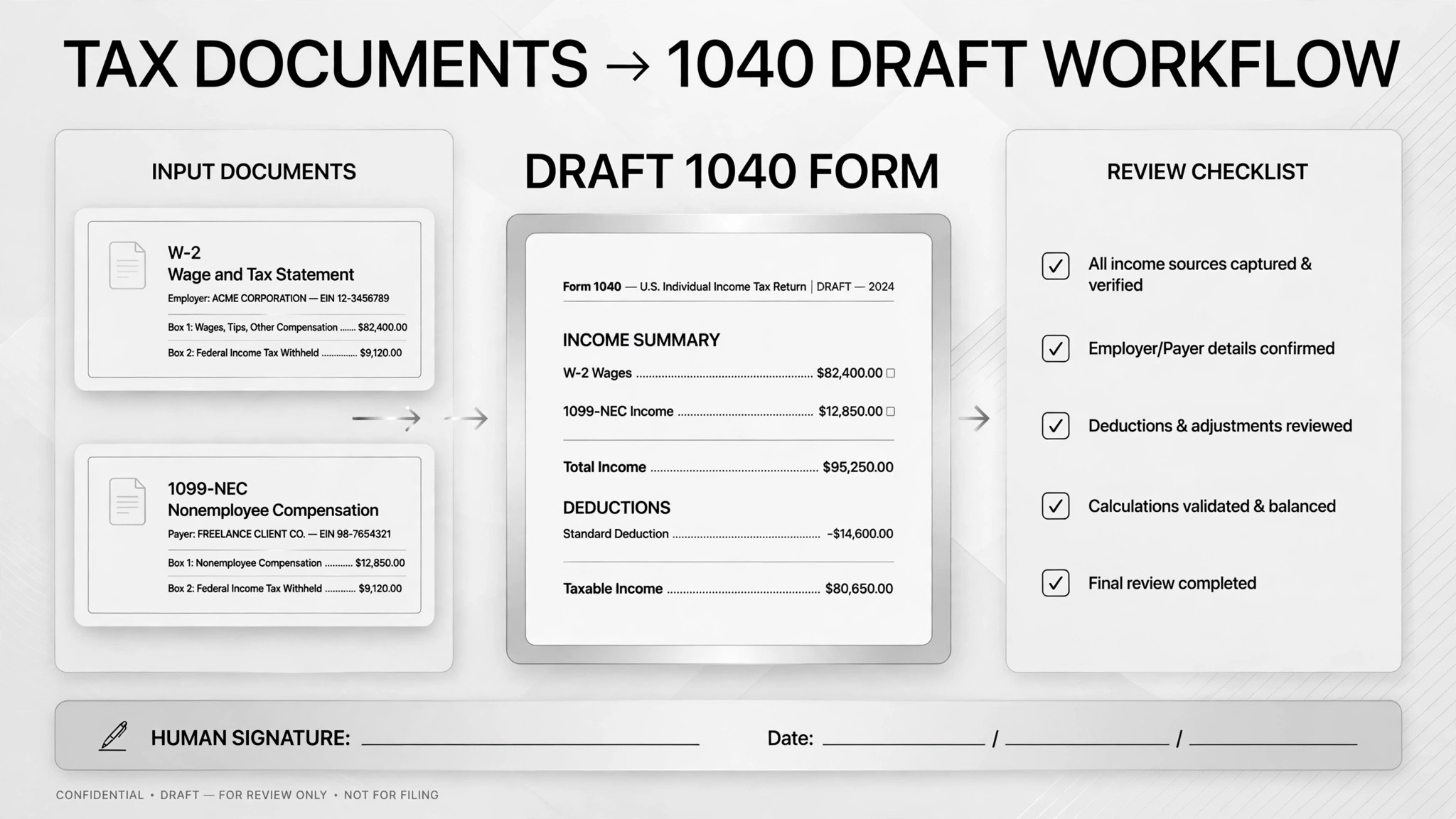
Turns a pile of tax documents into a review-ready draft return — it sorts W-2s, 1099s, and invoices, extracts every figure, flags the ambiguous ones, and drafts the forms; you file, never the AI.
Install it in 3 steps
No sign-up. No CLI tools. Pick your AI, copy one line, paste it over.
Prefer doing it yourself? Download the ZIP, unzip it into the directory shown above, restart your AI session — same result.
Real-world proof
Real people did this exact job with AI agents.
Sort tax documents and fill IRS forms
Read case →Use caseCompile deductions and Schedule C with Claude Code
Read case →Use caseDo taxes by selecting the right invoices
Read case →What’s inside
One SKILL.md (the playbook) + one starter template. A preview:
Tax Filer
When to use
- Tax season arrives and you have a folder full of W-2s, 1099s, and brokerage statements that need sorting before anything can be filed
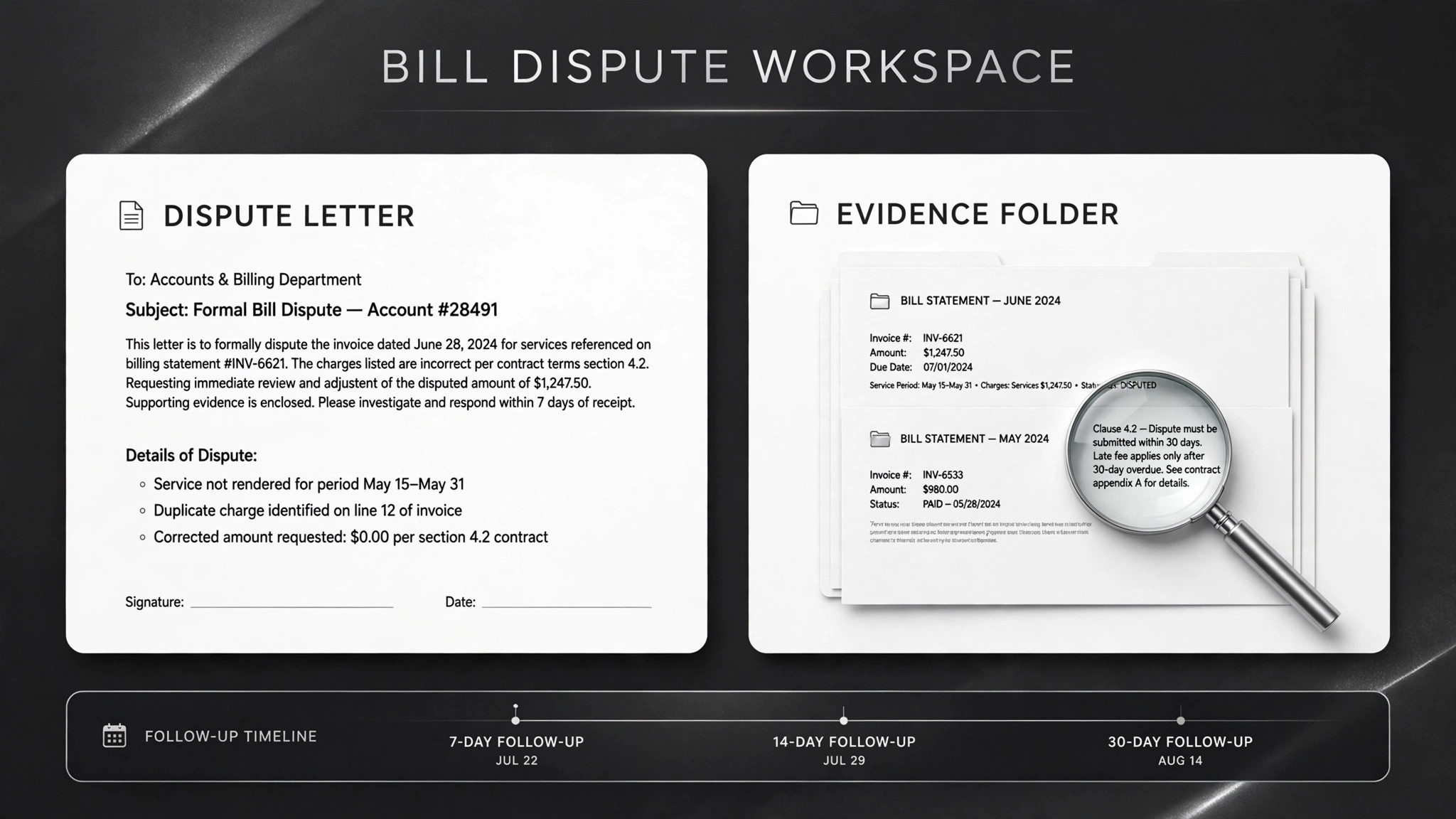
- You are a freelancer or sole proprietor who needs a clean Schedule C draft built from a year's worth of invoices and receipts
- Your receipts and donation records live scattered across Gmail, folders, and bank statements, and you need them consolidated into deductible line items
- You want a second pass over your numbers — e.g. running a draft through TurboTax or a second checklist — before you submit
- You do quarterly books and want invoices read, matched to companies and dates, and mapped to the right accounting categories without hand-entry
Workflow
Pull everything into one place: tax forms, invoices, receipts, donation confirmations, brokerage statements. A former tax pro in one real case dumped all forms and blank return forms into a single folder and let the AI inventory it first — chasing documents after the fact is where errors hide.
- Gather the raw material (input: your emails, folders, statements → output: complete document list)
Tag each item by type: W-2, 1099, invoice, deduction, brokerage statement, donation receipt. In the invoice case, the AI also matched each invoice to its company and date so nothing was filed twice or missed.
- Classify every document (input: document list → output: labeled document set)
Write every key number into a checkable plain-text or spreadsheet table — name, amount, document, line it belongs on. Keep a parallel list of what's missing (e.g. "charity receipt for Q3 not found"). One real case had the AI build a Gmail search for tax attachments that downloaded receipts, extracted the numbers, and tracked exactly which materials were still absent.
- Extract figures and track what's missing (input: labeled documents → output: figures table + missing-items list)
Fill the 1040, Schedule C, or your deduction summary using the extracted figures — as a draft, in a reviewable format. The AI prepares; it does not submit. A freelancer's quarterly case stopped at "generate the review table, never auto-file."
- Draft the return or schedule forms (input: figures table → output: completed draft forms)
Ambiguous items — medical vs. childcare expenses, unclear deduction categories, fuzzy figures — go on a separate list for human decision. Then run a cross-check: one real case ran the AI's completed 1040 draft through TurboTax independently to catch disagreements between the two.
- Flag the ambiguous and cross-check (input: draft forms → output: flagged items + verification result)
You verify every extracted figure, decide every ambiguo
- You review and file (input: draft + flags → output: filed return)