Social Scheduler
A week of on-brand posts, scheduled everywhere, approved first.
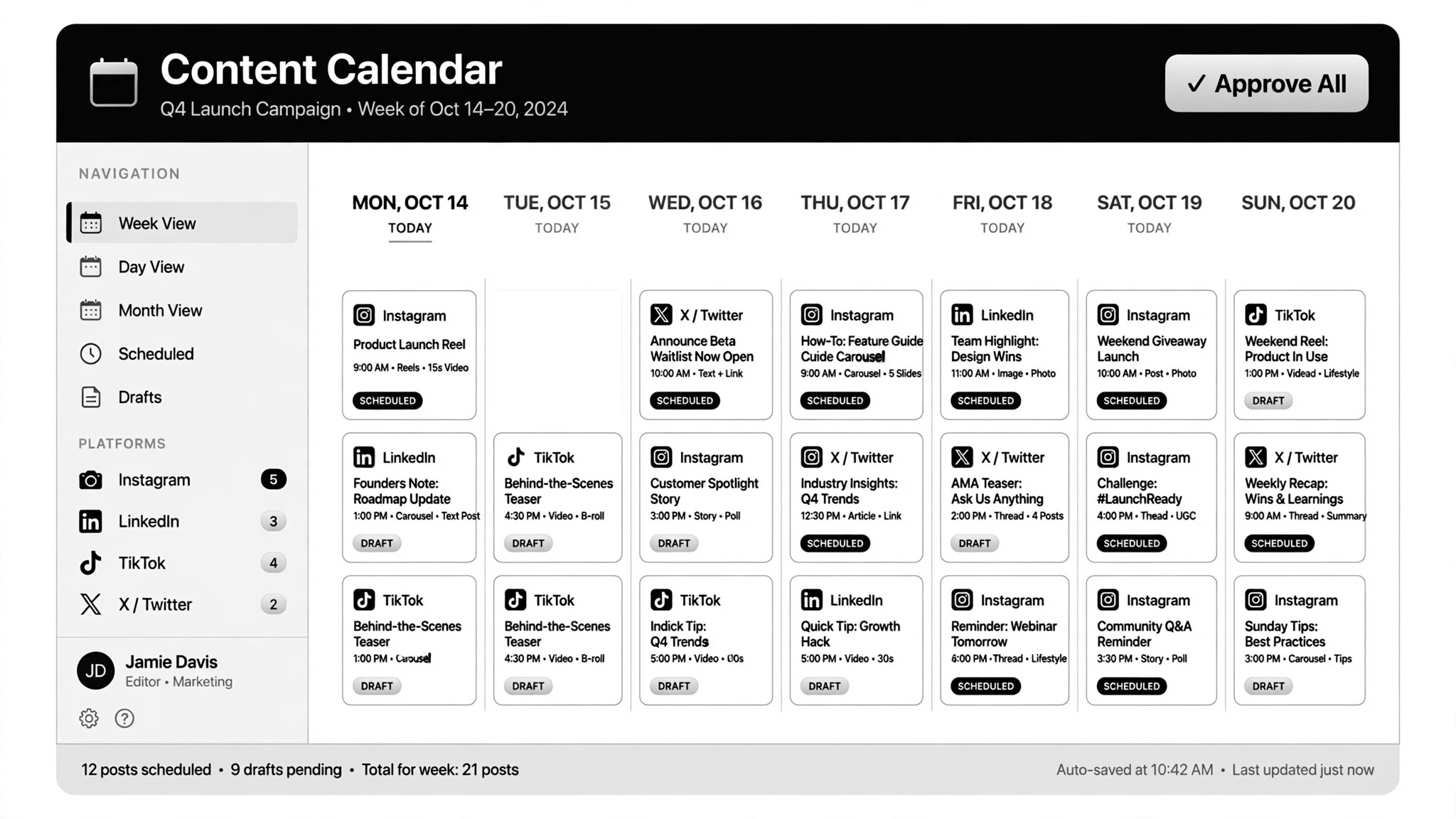
Turns your topics into a week of on-brand posts across every platform — you approve every post before it goes out.
Install it in 3 steps
No sign-up. No CLI tools. Pick your AI, copy one line, paste it over.
Prefer doing it yourself? Download the ZIP, unzip it into the directory shown above, restart your AI session — same result.
Real-world proof
Real people did this exact job with AI agents.
Create, schedule and post content across platforms automatically
Read case →Use caseCreate and schedule social content through Blotato
Read case →What’s inside
One SKILL.md (the playbook) + one starter template. A preview:
Social Scheduler
When to use
- You post inconsistently because drafting each post takes too long
- You want LinkedIn, X, and YouTube covered without writing three versions of everything
- Your social presence drifts off-brand whenever you're busy
- Repurposing (video → carousel, article → thread) never actually happens
- You want one approval session per week to produce the whole week's calendar
Workflow
Write a voice file the agent reads on every run: who you are, how you sound, words you never use, and 5–10 of your best past posts as examples. Then write one platform-rules file: format limits, tone shifts, and posting norms per platform. Garbage in, generic out — this file is the quality control.
- Set the voice (input: brand guide + best past posts → output: voice file)
Give the agent the week's raw material: a list of topics, a trend feed (e.g. YouTube trends), or one long piece to repurpose. One instruction should be enough to pull the trends and draft everything — the brief stays short: topic, angle, target platform mix.
- Feed the topics (input: topics / trend feed / one video → output: content brief)
Draft each idea in its platform's shape: a LinkedIn post plus infographic, a video script turned into a carousel, a thread cut from an article. Follow the voice file for tone and the platform-rules file for format. Media the AI generates (video, images, edits) gets a cost check first — generation is metered, so budget per post before scaling.
- Draft the batch (input: brief + voice file → output: platform-ready drafts)
Drafts land in one shared sheet or notes view with the full week's schedule: post, platform, format, publish time. Nothing schedules itself at this stage. You read every word and see every image before it goes anywhere.
- Preview everything (input: drafts → output: approval sheet)
Approve, edit, or skip each post. Approved posts schedule across all platforms in one pass through a scheduling tool (e.g. Blotato). Publish is never automatic: every post carries your explicit approval, which keeps you compliant with platform API policies and account-safety rules.
- Approve and schedule (input: approved drafts → output: published queue)
Log performance per post (reach, engagement) and review weekly. Feed the learnings back into your content pillars and the voice file — the good ideas repeat, the flops get retired. Update the platform-rules file when a platform changes its policies or formats.
- Learn the loop (input: performance log → output: updated pillars)
Output spec
- Voice file: identity, tone, banned phrases, 5–10 example posts — re-read on every run
- Platform-rules file: format limits, tone shifts, norms per platform
- Weekly batch: one draft per slot, each