Outreach Replies
Every reply to your outreach, sorted by intent, next step ready.
Turns every outreach reply into a drafted response, a booked call, and a CRM update — you approve before anything sends.
Install it in 3 steps
No sign-up. No CLI tools. Pick your AI, copy one line, paste it over.
Prefer doing it yourself? Download the ZIP, unzip it into the directory shown above, restart your AI session — same result.
Real-world proof
Real people did this exact job with AI agents.
Reply to cold emails and book sales calls
Read case →Use caseReply to outreach responses from email and LinkedIn inboxes
Read case →What’s inside
One SKILL.md (the playbook) + one starter template. A preview:
Outreach Replies
When to use
- Cold email replies pile up while you're on calls and the hot ones go cold
- Your LinkedIn outreach gets replies faster than you can answer them
- Interested leads are buried among "not interested", reschedules, and follow-up questions
- Follow-ups slip through the cracks because nobody owns the thread
- You want every reply answered in your voice, without typing each one yourself
Workflow
Connect your outreach inboxes — email (via webhook or MCP) and LinkedIn (via a scraper on a safe schedule, e.g. every 10 minutes). Filter for replies to your outreach campaigns only; ignore newsletters, notifications, and unrelated threads. Everything new lands in one queue.
- Watch the inboxes (input: connected inboxes → output: reply queue)
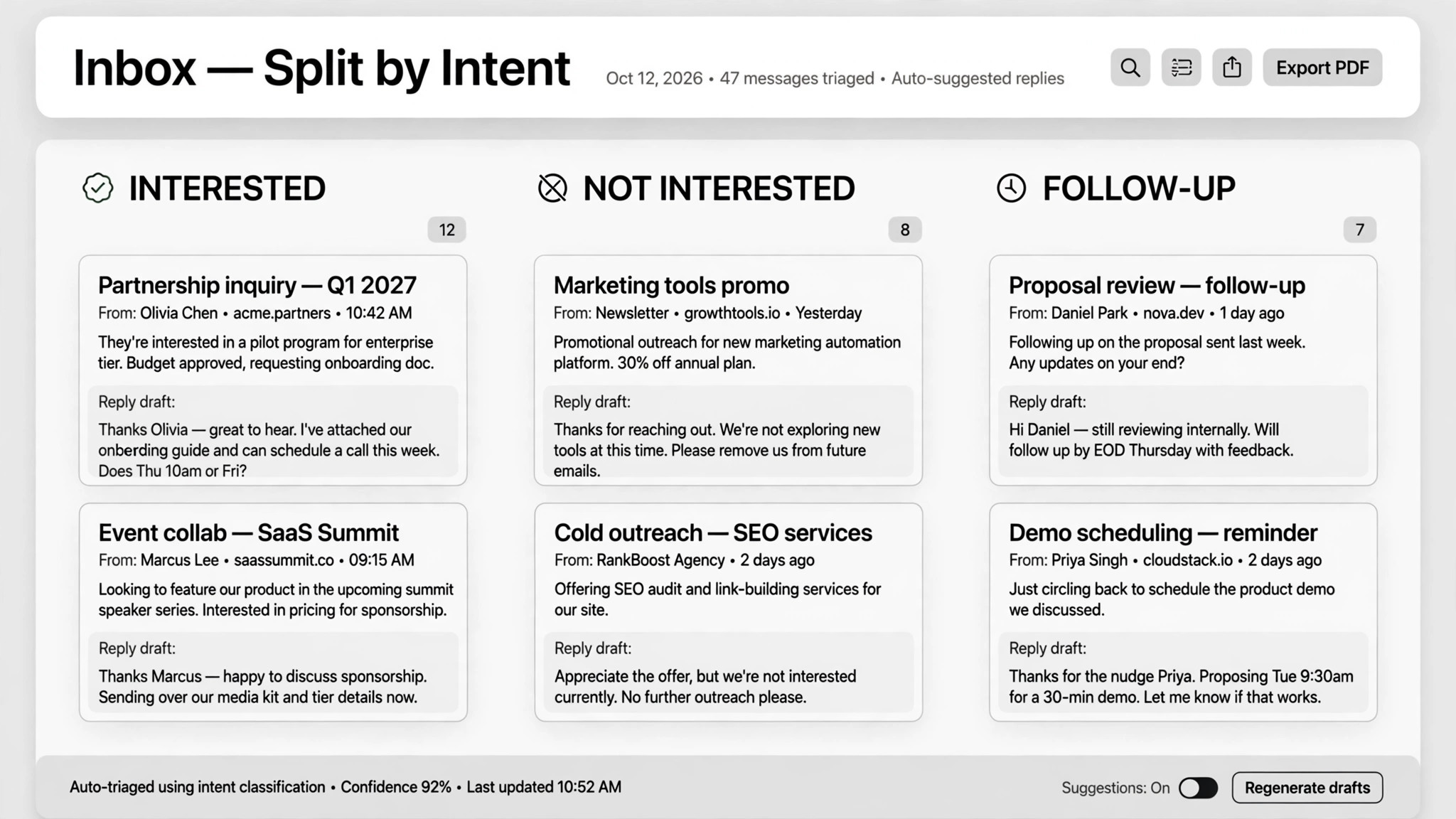
Classify every reply into exactly three buckets: interested (they want to talk or buy), not interested (unsubscribe and log), needs follow-up (questions, reschedules, vague replies). When in doubt, it goes in needs follow-up — never auto-guess an "interested" from a vague one.
- Sort by intent (input: raw replies → output: interested / not interested / needs follow-up)
Write a reply draft for each item in your own tone, referencing the original message and the campaign that triggered it. Keep it short, answer what they asked, and end with one clear next step. Drafts that require pricing or policy answers must stay within your approved charter (see step 6).
- Draft in your voice (input: reply + tone samples → output: draft response)
For interested leads: check your calendar for real open slots, send one time option plus a booking link, and once they confirm, lock the time and log notes from the conversation. In one real deployment this booked 20 sales calls in 8 days — report your own numbers, not anyone else's.
- Book the call (input: interested reply + calendar → output: confirmed meeting)
Update every lead's status after each touch: new → responded → booked → rescheduled → unsubscribed. Log the date, the action, and the draft that was sent. The CRM is the single source of truth — if it isn't logged, it didn't happen.
- Sync the CRM (input: conversation outcomes → output: updated lead statuses)
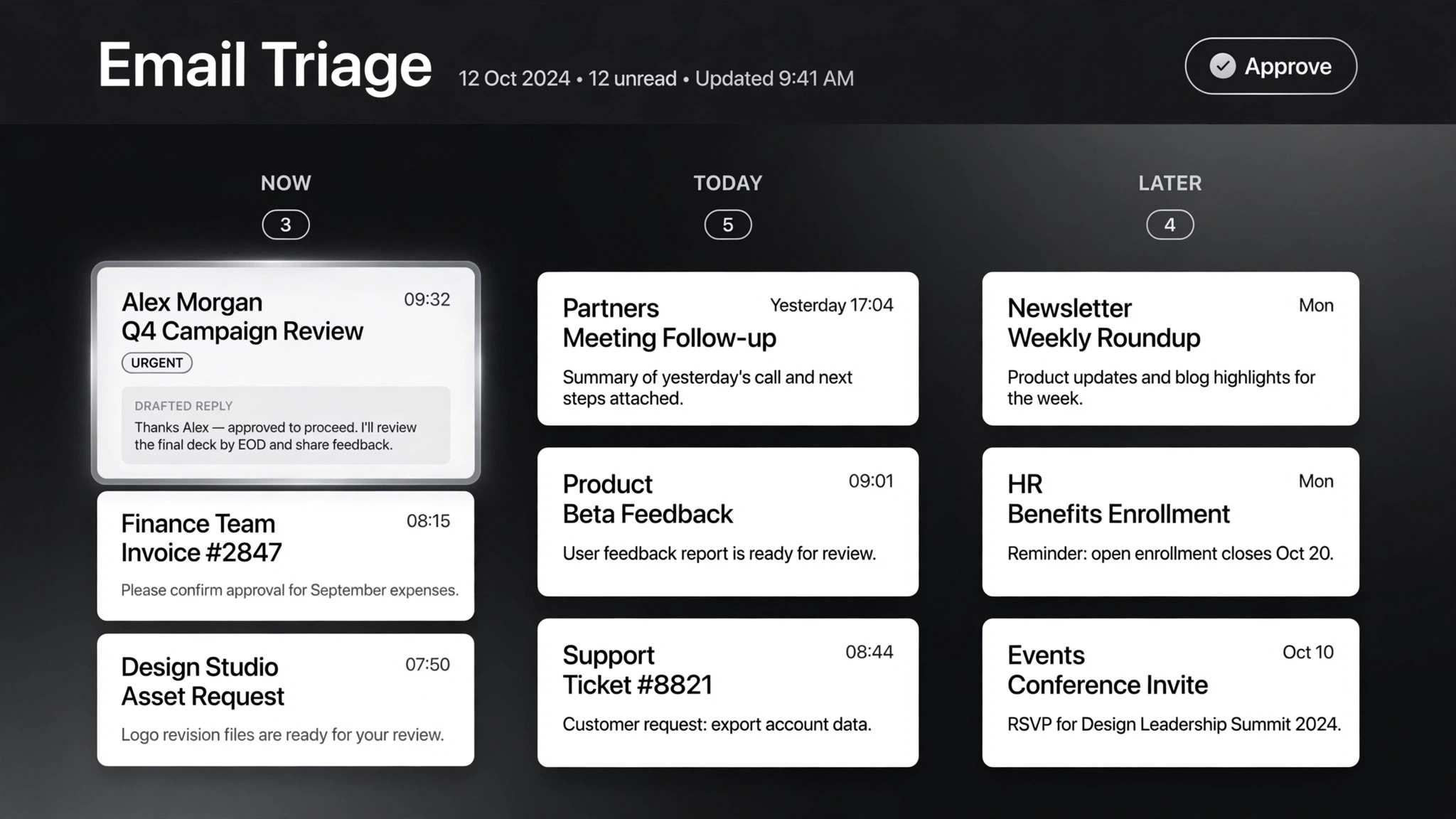
Batch the drafts for your review in one screen per batch. Nothing sends without your approval by default — outreach auto-sends are where deals die and accounts get flagged. Write a "charter" of what can be promised (prices, discounts, time windows) and what must never be said; the more specific the charter, the more you can trust later automation. High-value threads you handle personally.
- Route approvals (input: drafts → output: sent / edited / skipped)
Output spec
- Three intent buckets only: interested / not interested / needs foll