Grocery Restocker
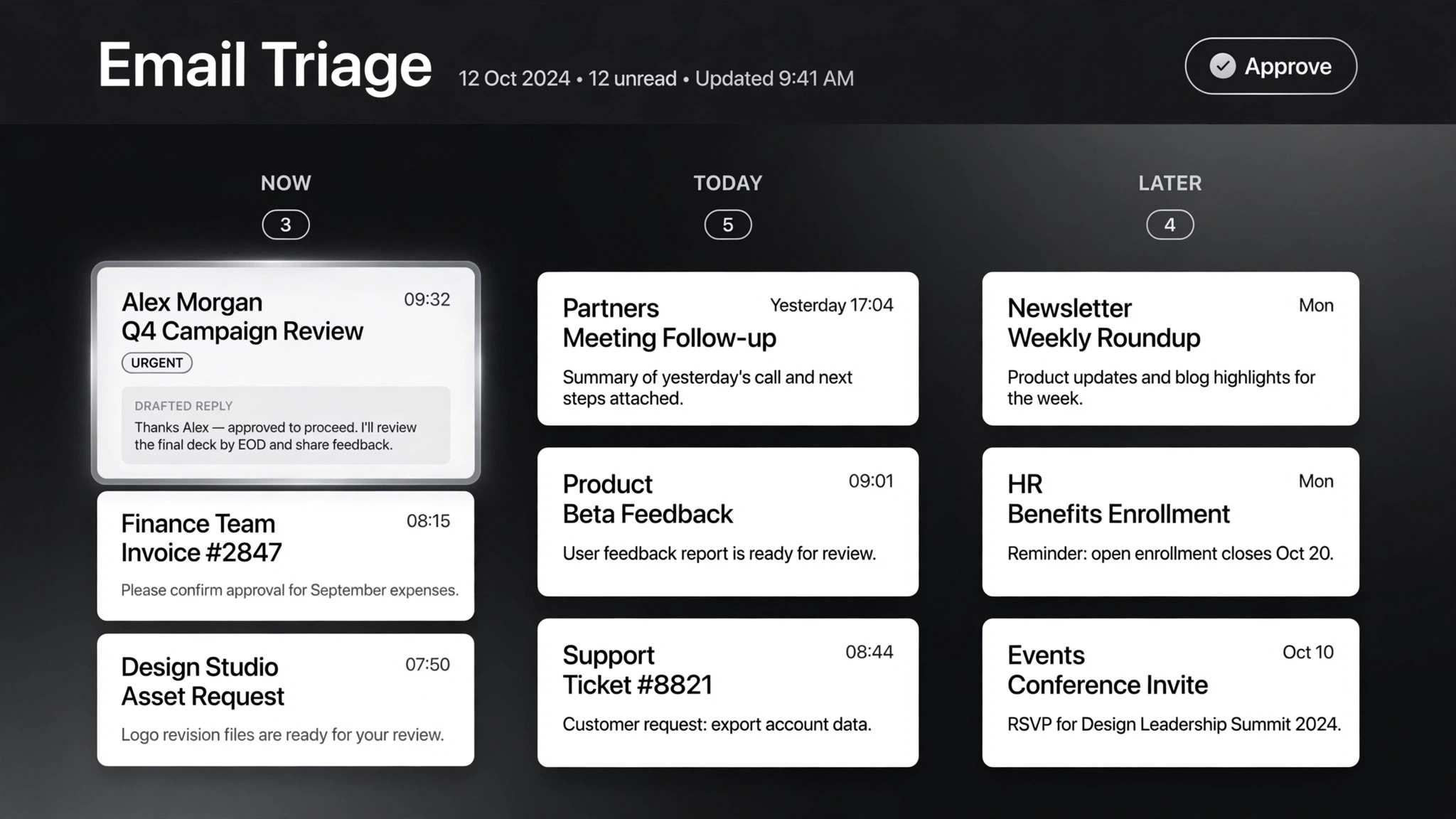
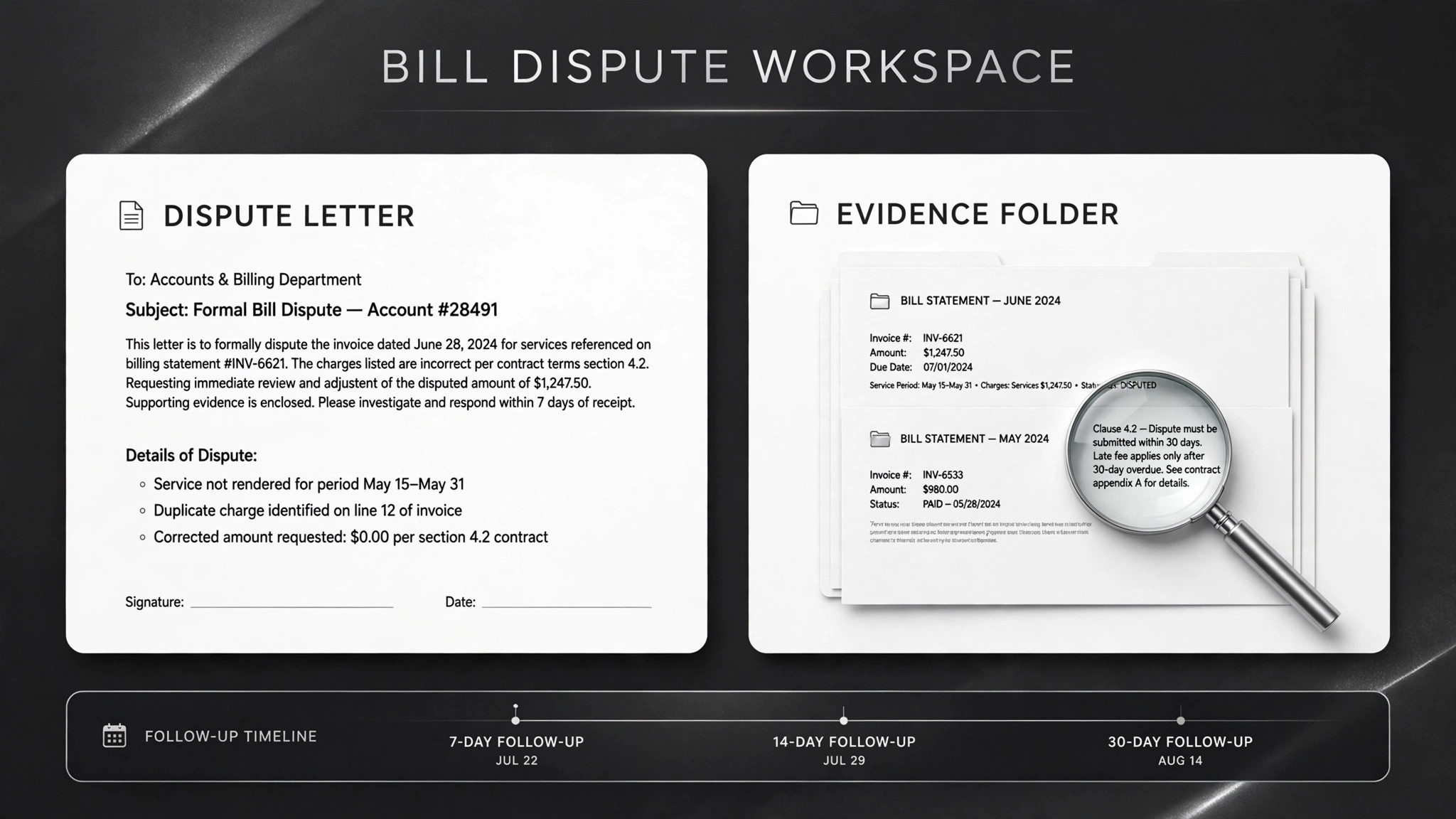
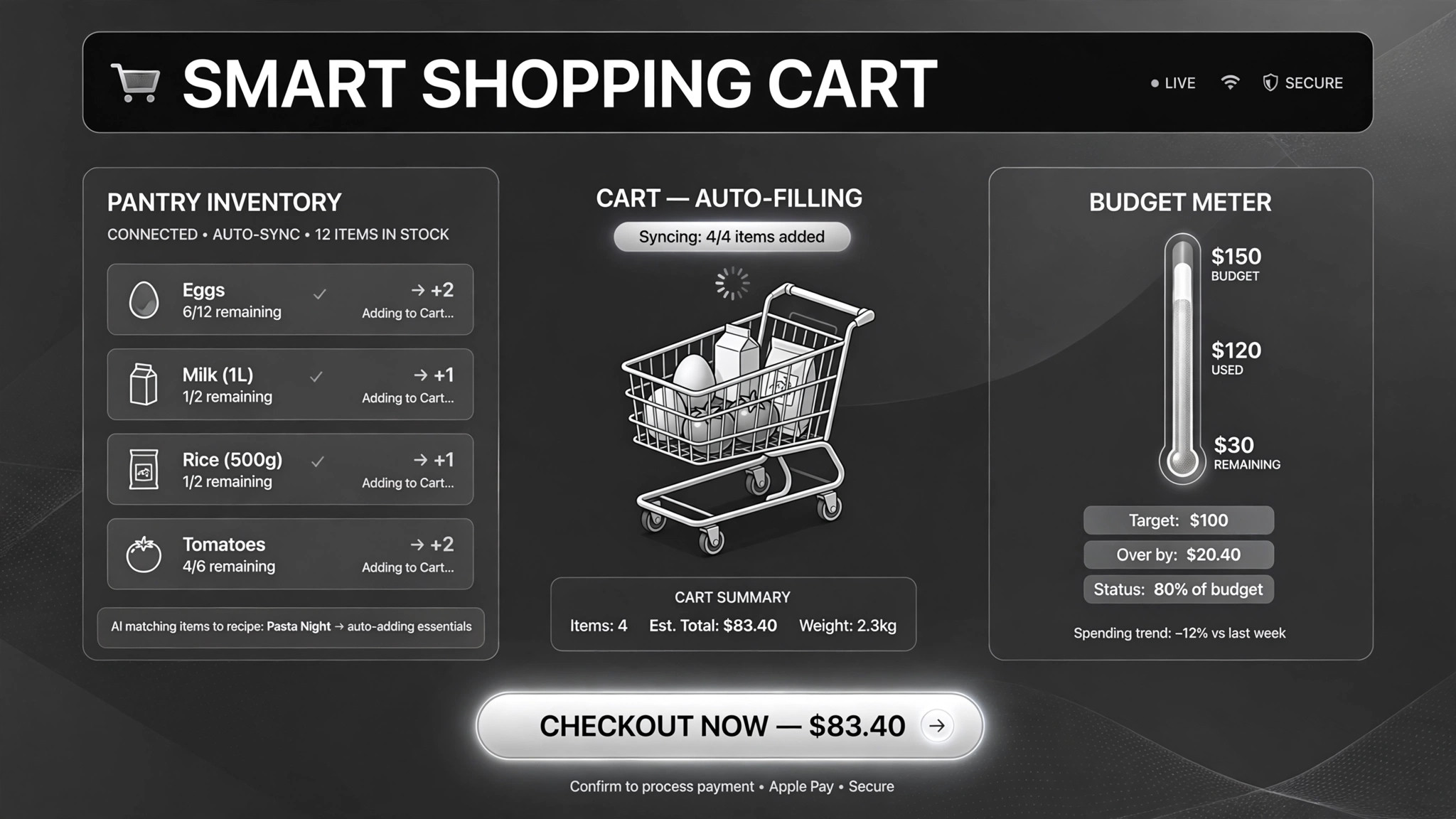
Your cart fills itself from what you buy — you just check out.
Helps AI fill your grocery cart from what you actually buy — learning rebuy rhythm from your order history, swapping in cheaper promos within your budget, stopping before checkout so you approve. For weekly household shopping and cutting the empty-fridge problem.
Install it in 3 steps
No sign-up. No CLI tools. Pick your AI, copy one line, paste it over.
Prefer doing it yourself? Download the ZIP, unzip it into the directory shown above, restart your AI session — same result.
Real-world proof
Real people did this exact job with AI agents.
Fill a supermarket cart from regular purchases and sales
Read case →Use casePre-stage household grocery carts from Instacart history
Read case →What’s inside
One SKILL.md (the playbook) + one starter template. A preview:
Grocery Restocker
When to use
- Your weekly grocery order is the same 40 items with small changes, and building it from scratch takes 30 minutes
- You keep forgetting the things you use fastest (milk, eggs, coffee) and notice only when they're gone
- You want promo prices but refuse to chase deals store by store yourself
- You run a household where two people shop and the cart keeps doubling up
- You buy groceries on a schedule and want the cart pre-filled and waiting for your review
Workflow
Point the AI at your order history — a grocery account connection, an exported CSV, or a store MCP server. It calculates how often you rebuy each item (median days between purchases), so it knows your milk runs out every 5 days and your rice every 60. Garbage history gives garbage carts; at least a month of orders is the floor.
- Feed it your history (input: past order history → output: purchase-frequency table)
Write down the budget cap, dietary rules (no pork, nut allergy), brand loyalties, and the promo-swap policy: does it swap automatically, or always ask first? One real case swapped in cheaper promos but asked before replacing anything — cheaper that surprises you at checkout isn't a deal.
- Set the ground rules (input: your constraints → output: rule card)
Each run, the AI marks every item: due now / due soon / not needed. It doesn't need to guess from your pantry — the math is last-bought date plus median rebuy interval. Items you buy irregularly stay on manual.
- Detect what's running low (input: purchase-frequency table + last order dates → output: this-week shopping list)
It adds items to a real cart and scans current promos for anything cheaper that matches your rules. Every swap is flagged with the old price and new price. The cart total is calculated before you see it — including delivery fees, not just item prices.
- Fill the cart and check the promos (input: shopping list + store promo data → output: full cart + total)
You get one message: items, quantities, total, and what was swapped and why. That's it. No auto-ordering, no subscriptions silently created. You open the cart, adjust if you want, and place the order yourself.
- Notify and wait (input: filled cart → output: summary message)
Output spec
- One cart summary per run: item, quantity, price, total — plus promo swaps with old vs. new price
- Every swap explicitly flagged; default is ask-first, not silent substitution
- Cart totals include delivery fees and taxes where the store exposes them
- The cart stops before checkout — placing the order is always yours
- Companion template.md rule card — budget, diet, swap policy in one place
Good vs. bad examples
- ❌ Bad cart: 48 items added, no explanation, total $213 — and oat mi