Game Maker
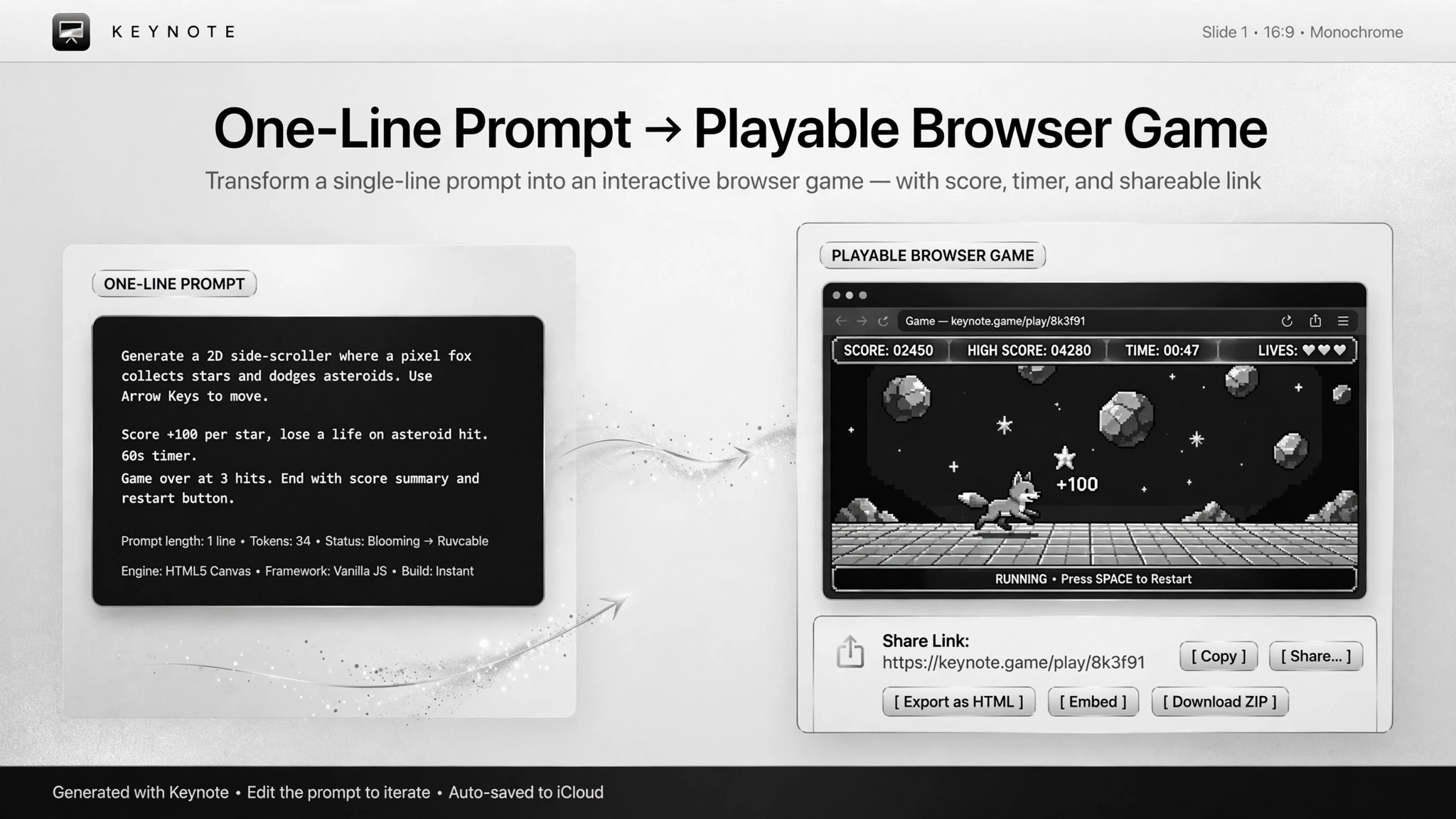
One prompt, one playable game.
Turns one plain-language description into a playable browser minigame or interactive simulation in a single self-contained file. Scoped to small games and prototypes — not commercial titles.
Install it in 3 steps
No sign-up. No CLI tools. Pick your AI, copy one line, paste it over.
Prefer doing it yourself? Download the ZIP, unzip it into the directory shown above, restart your AI session — same result.
Real-world proof
Real people did this exact job with AI agents.
Build a match-3 game from a single prompt
Read case →Use caseBuild a minigame collection in a day
Read case →Use caseBuild an artificial life simulator in one HTML file
Read case →What’s inside
One SKILL.md (the playbook) + one starter template. A preview:
Game Maker
When to use
- You want a small playable game — match-3, puzzle, arcade minigame — from one detailed description
- A creative interactive visualization (particle simulations, generative toys) as a single file you can open and share
- A weekend collection of simple minigames, built one at a time from natural-language descriptions
- A quick playable prototype to test a game concept before committing real effort
- Teaching or demos where "double-click and it runs" matters more than production quality
Workflow
Describe mechanics, scoring, difficulty, controls, sound, and desktop vs. mobile in one pass. A half-written spec gets you a game that plays itself wrong — one real case's whole lesson was that the prompt must spell out the rules completely, or the AI improvises and the gameplay drifts.
- Write the full spec in one prompt (input: game idea → output: detailed prompt)
The AI generates the game as one HTML file (UI, logic, and scoring all inside) — double-click to open, zero dependencies. For a collection: build the architecture/scaffold first, then generate each minigame into it, exactly how a real case built a four-game collection in a day.
- Generate the single file (input: detailed prompt → output: self-contained file)
Open it and actually play. Check: does it start, does scoring work, is it winnable and loseable, does it survive a window resize? A demo that can't be lost is a screensaver, not a game.
- Playtest immediately (input: file → output: bug list)
Have the AI fix the bugs, but tune difficulty and feel yourself. "Make it harder" in a prompt is guesswork; your own playtest judgment is the instrument. One real case spent the human's time on exactly this and the skill keeps that step human on purpose.
- Fix bugs, tune feel by hand (input: bug list → output: revised file)
Export a shareable link or single file. Verify it opens and plays cold — no install steps, no dependencies — before you call it done.
- Publish one link (input: final file → output: shareable link)
Output spec
- One self-contained playable file (or one shareable link) per game
- The prompt spec used, kept alongside, so the game can be regenerated or remixed
- Acceptance bar: opens with a double click, plays start to finish, difficulty tuned by a human
- Limits: small-scope games and visualizations only — no claim of commercial quality, multiplayer, save systems, or backends
Good vs. bad examples
- ❌ Bad: "Make me a fun game" → a flashy demo that can't be lost, breaks on mobile, and needs three libraries installed
- ✅ Good: one prompt specifying match-3 rules, scoring, timer, and sounds → a playable file, playtested, difficulty tuned by the maker, shared as one link
- Standard: if you can't play it s