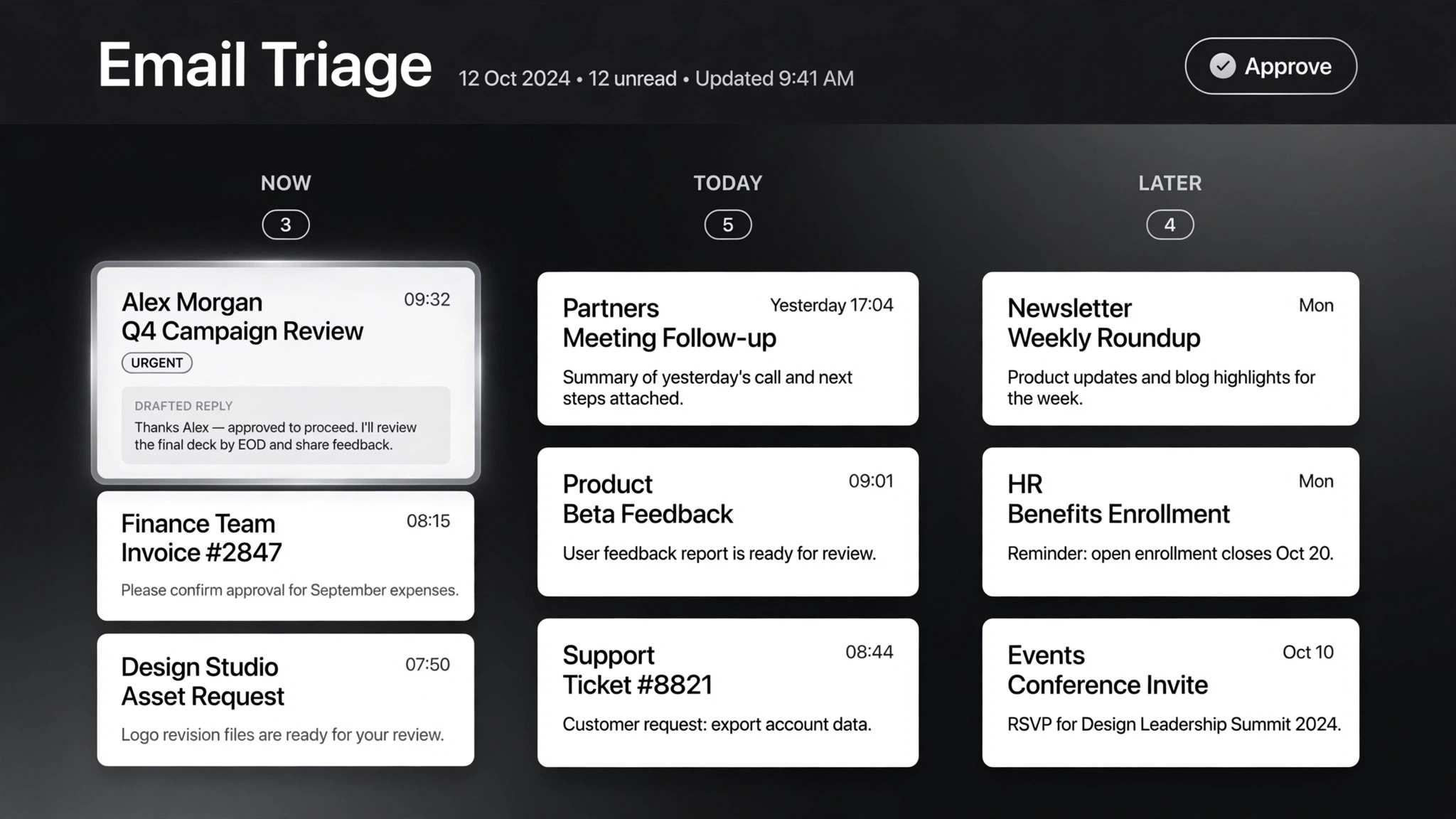
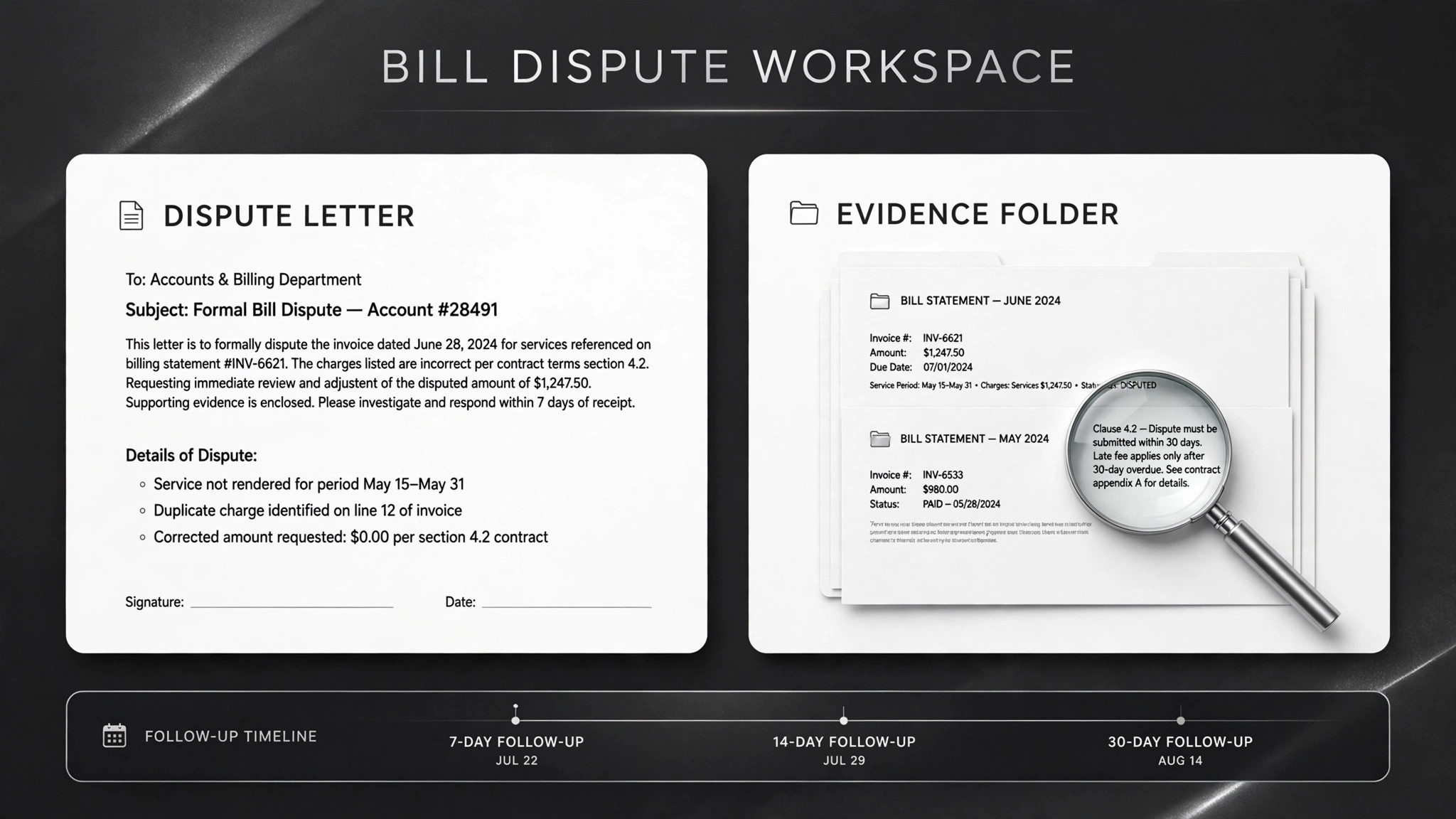
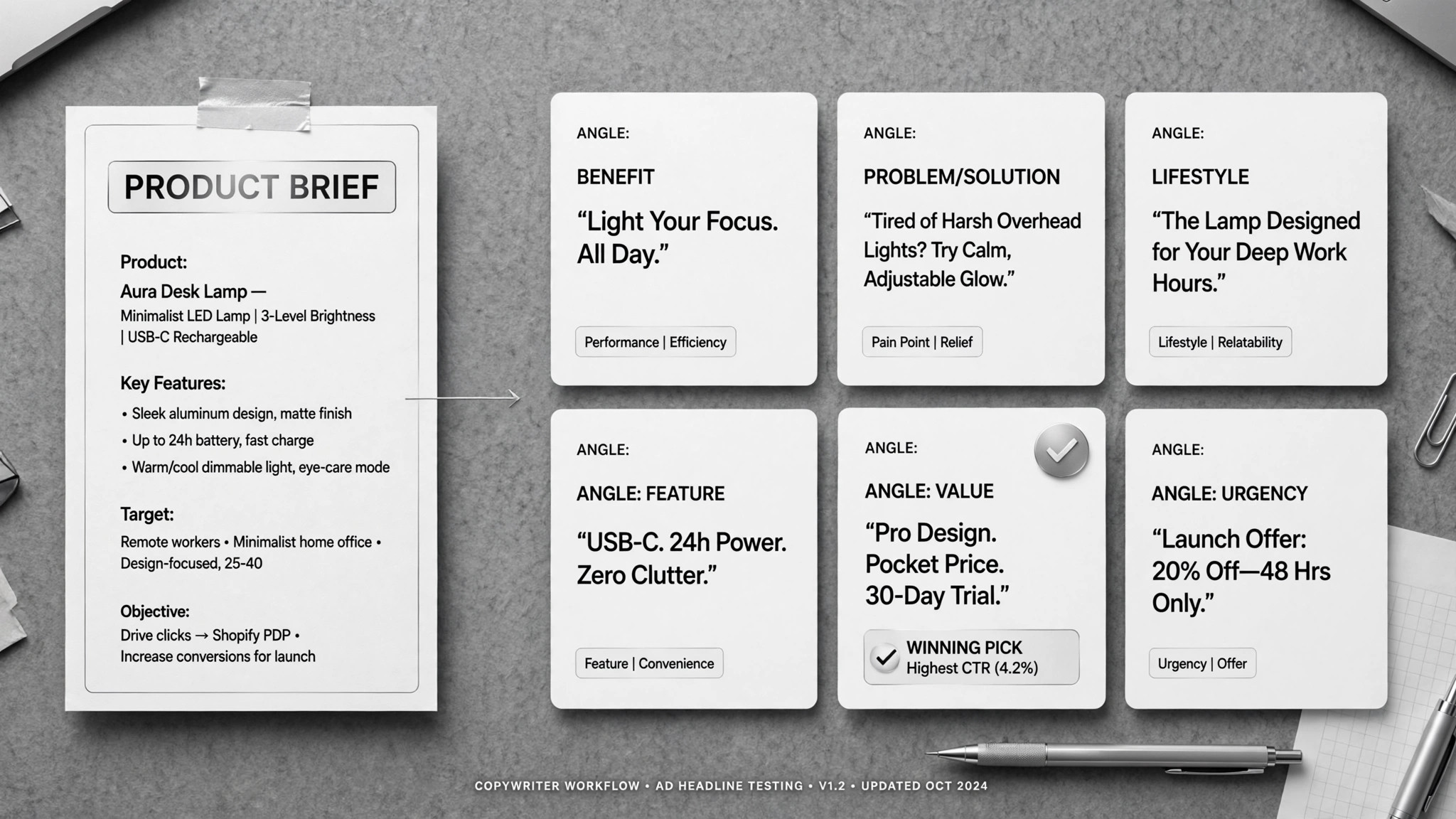
App Builder
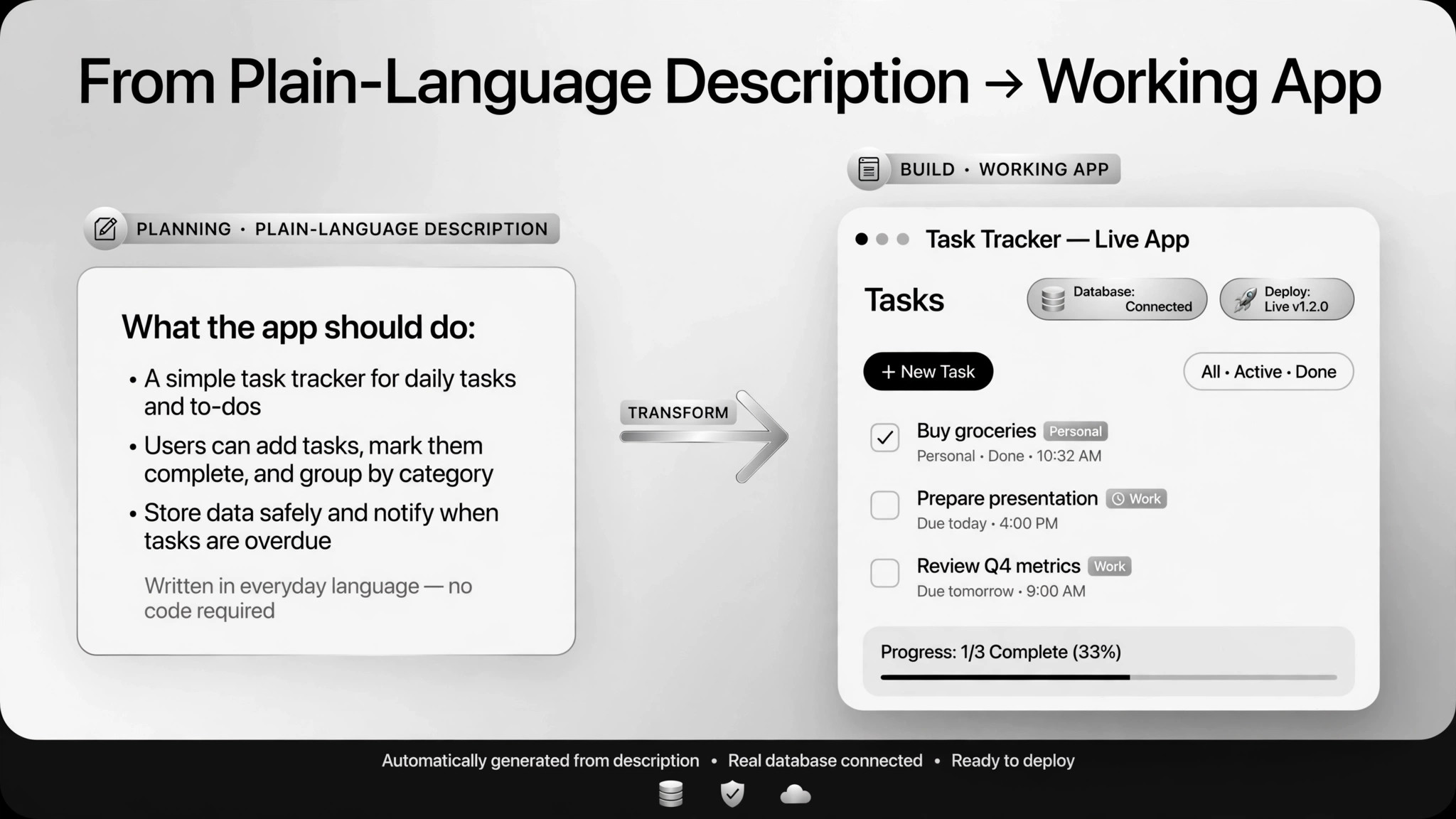
Describe the app, get a working product you can launch.
Turns a plain-English product spec into a working, tested app you can deploy — with a human acceptance-testing every step.
Install it in 3 steps
No sign-up. No CLI tools. Pick your AI, copy one line, paste it over.
Prefer doing it yourself? Download the ZIP, unzip it into the directory shown above, restart your AI session — same result.
Real-world proof
Real people did this exact job with AI agents.
Build and ship a micro-SaaS in three hours
Read case →Use caseBuild a multi-tenant SaaS with an agent
Read case →Use caseBuild a clinic app with booking and trackers
Read case →What’s inside
One SKILL.md (the playbook) + one starter template. A preview:
App Builder
When to use
- You have a concrete app idea (a booking flow, a tracker, a micro-SaaS) and want a working product without writing code
- A non-technical founder needs to get a real app in front of users this week
- You want to prototype a SaaS fast and validate demand before hiring engineers
- A small business needs an internal tool (appointment booking, health trackers) built this week
- You've been burned by AI-generated code before and want a spec-driven process with checklist acceptance
Workflow
Describe what the app does, who it's for, the core flows, and the tech stack if you care. One real case went from a micro-SaaS idea to a shipped email-to-calendar product in three hours — powered almost entirely by a good launch prompt.
- Write the spec (input: your idea → output: product spec)
Have the agent turn the spec into a step-by-step plan, then get a second opinion on the plan — another AI or your own eyes — before any building starts. Bad plan, bad app; catch it here while it's cheap.
- Review the build plan (input: spec → output: implementation checklist)
The agent builds module by module against the checklist. Keep each feature small enough to test before moving on. If the scope starts ballooning, stop and re-cut the spec instead of letting it drift.
- Build in modules (input: plan → output: working modules)
Run the full flows with placeholder accounts and sample data. Real user data never enters the test environment — in one real case (a clinic app built by a non-coder in five days) patient data was kept out of testing entirely.
- Test with fake data (input: modules → output: passing end-to-end run)
Walk the acceptance checklist item by item: core flows work, tenant data is isolated, secrets live in environment variables not code, no production database is connected to dev. Multi-tenant builds need explicit isolation checks — agents don't reliably find these holes on their own.
- Acceptance and security review (input: working app → output: signed checklist)
Deploy the approved app. Anything that spends money (domains, payment keys) or touches production needs explicit human approval first. Deploying is the last step, not the first.
- Deploy and launch (input: approved app → output: live app)
Output spec
- Product spec (plain markdown), build-plan checklist, working app, acceptance checklist with sign-offs, launch notes
- Test report: what was tested, with what sample data, what passed
- Security notes: where secrets live, what isolation was verified, any compliance flags
- Companion template.md skeleton — fill in the blanks and use it
Good vs. bad examples
- ❌ Bad spec: "Build me a booking app." — three hours later you have a login page and an argument abou